
Social proof
Showing a shopper that other people are buying, and that the reviews are real.
- Sales Popup
- Visitors Counter
- Sold Counter
- Cart Activity Alert
- Review Alert Popup
Most Shopify stores end up with four apps doing conversion work — one for popups, one for timers, one for stock alerts, one for email capture — each loading its own script and each billing separately. FlexifyPop is all of it in one app, on one script that loads asynchronously and stays out of your storefront’s rendering path.
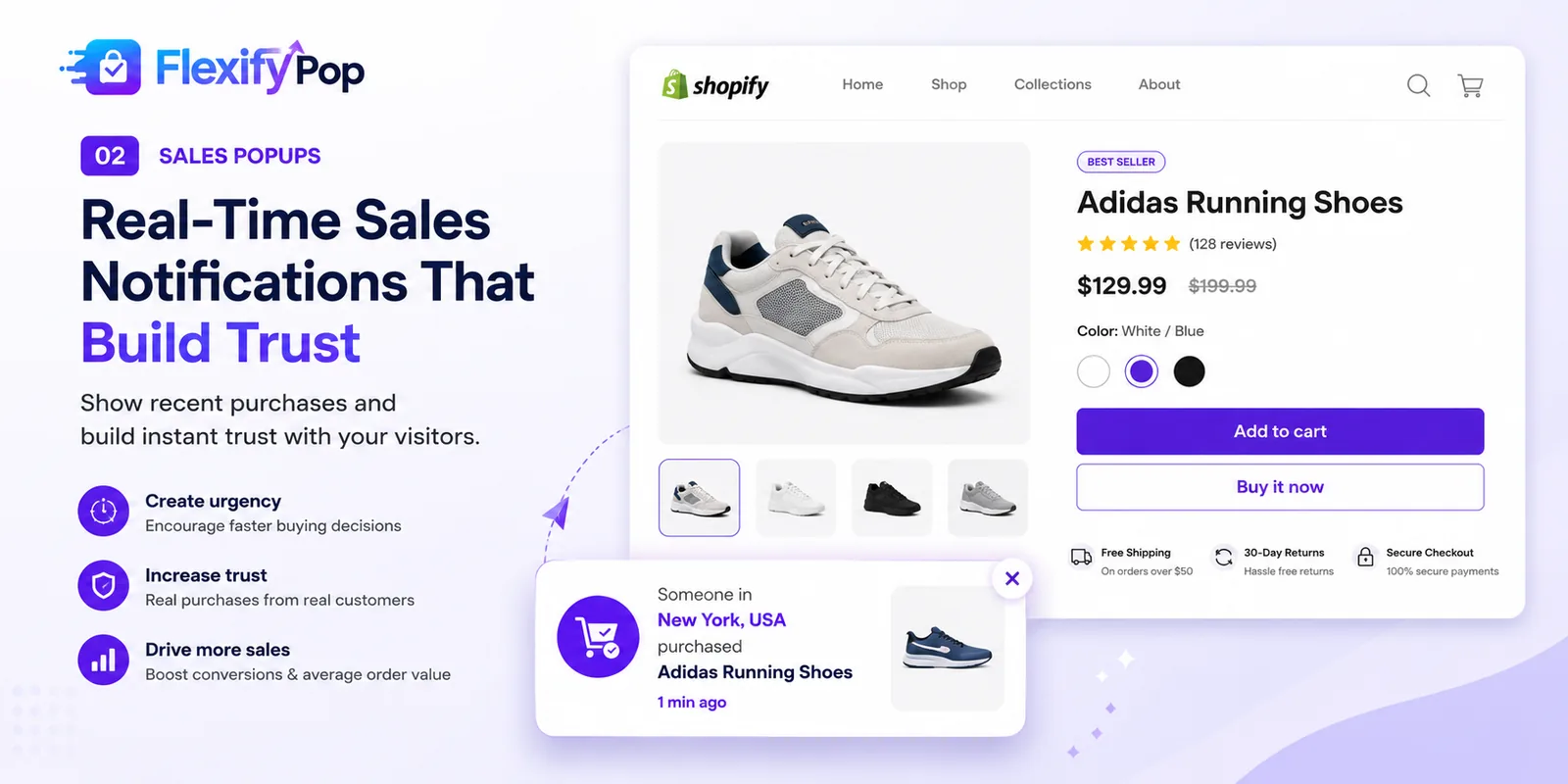
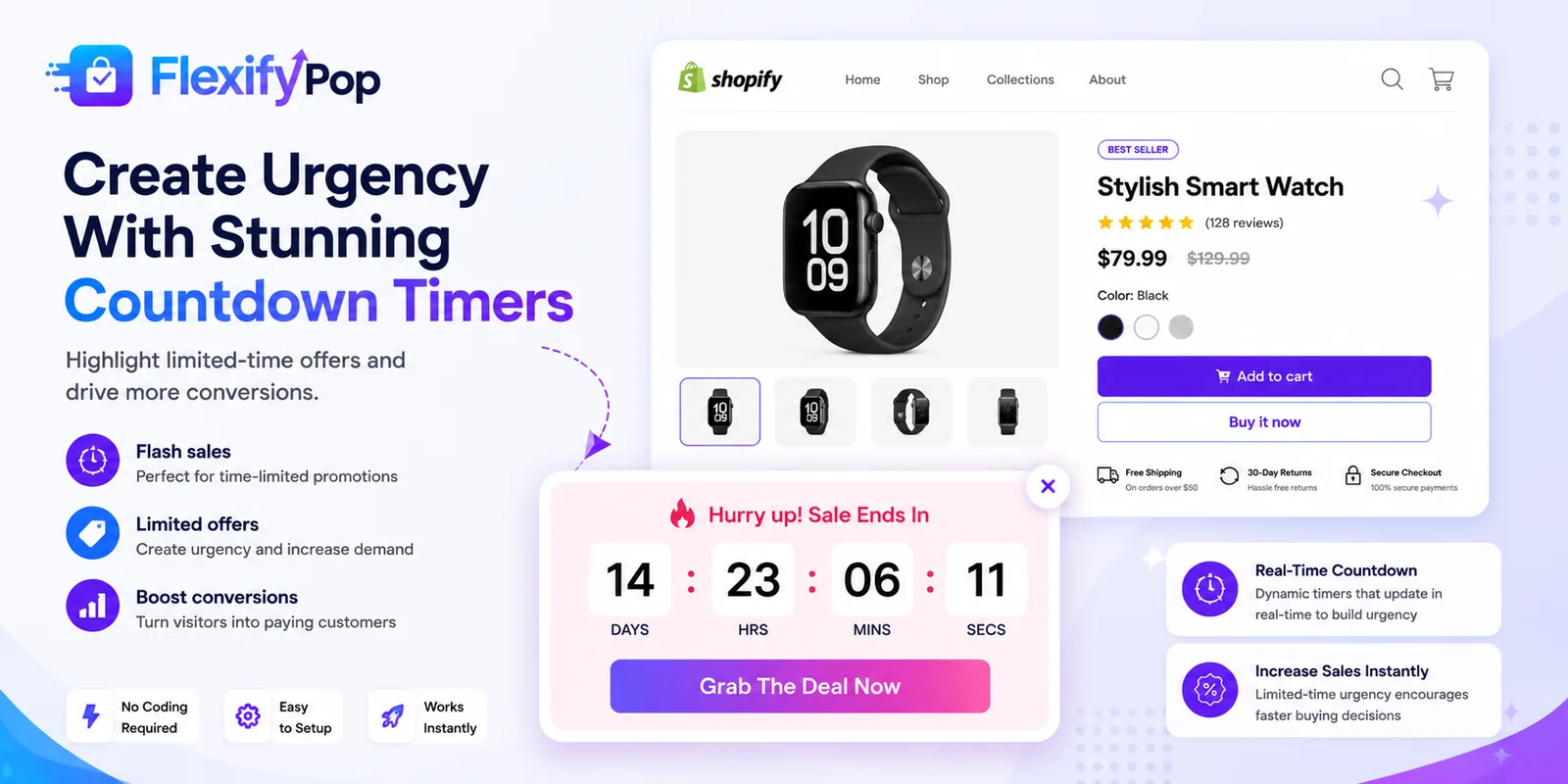
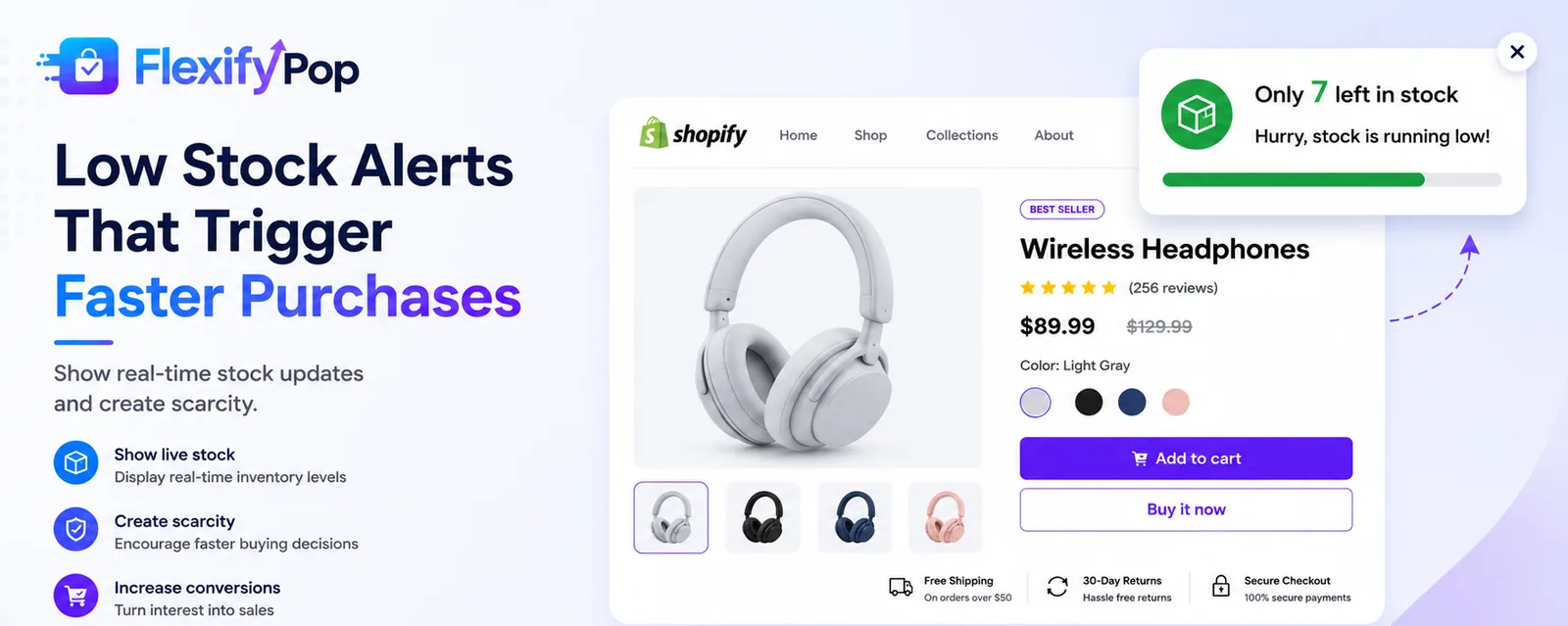
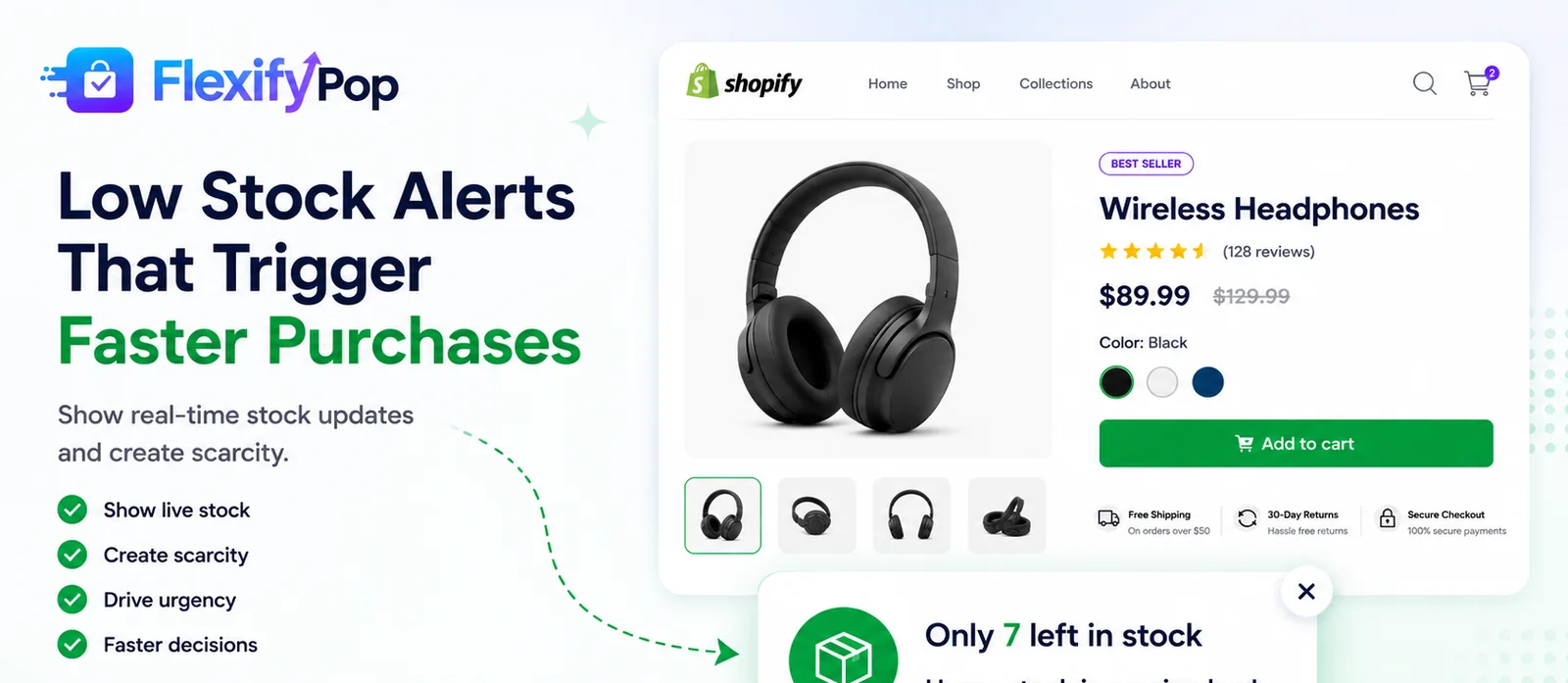
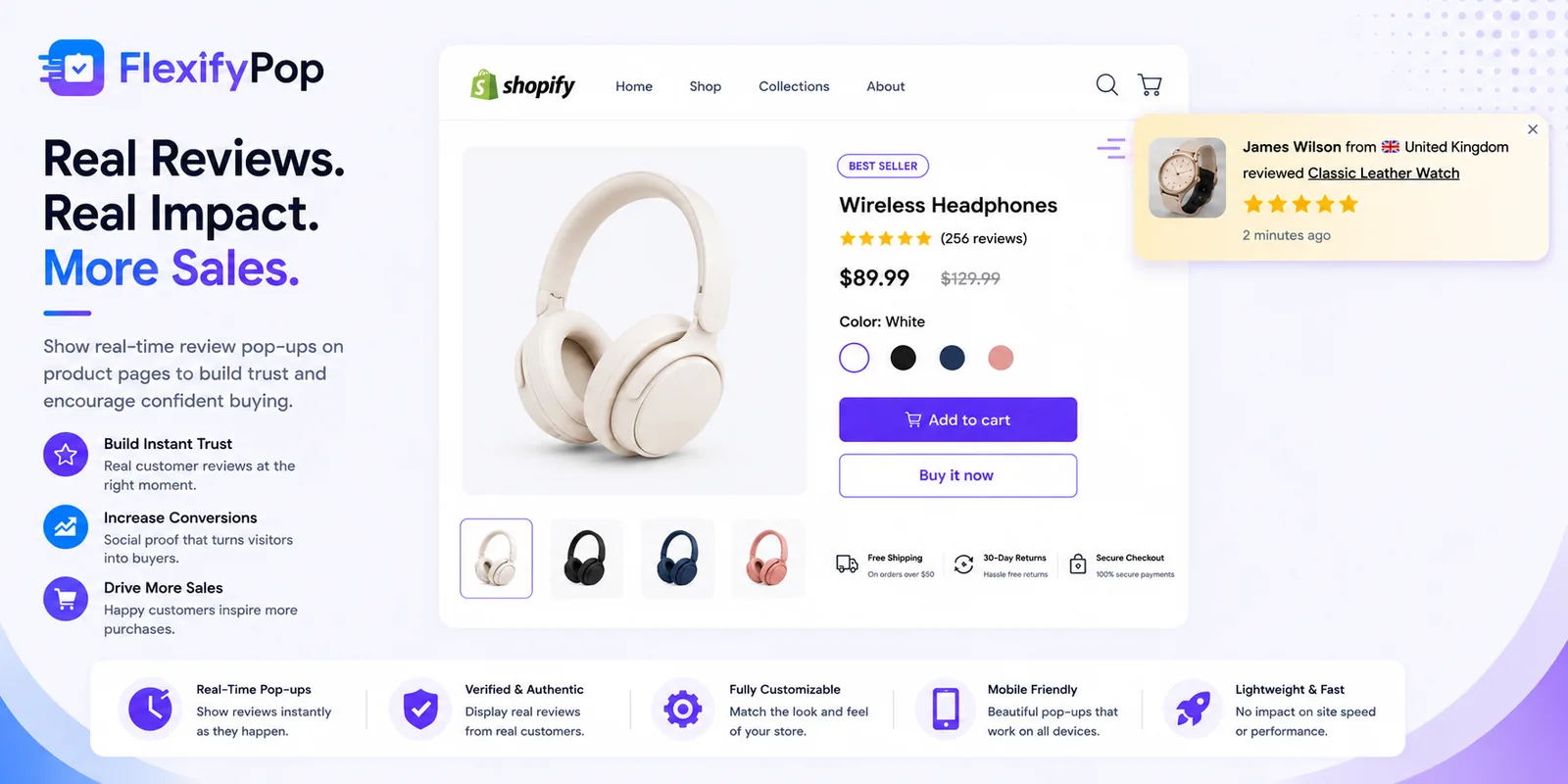

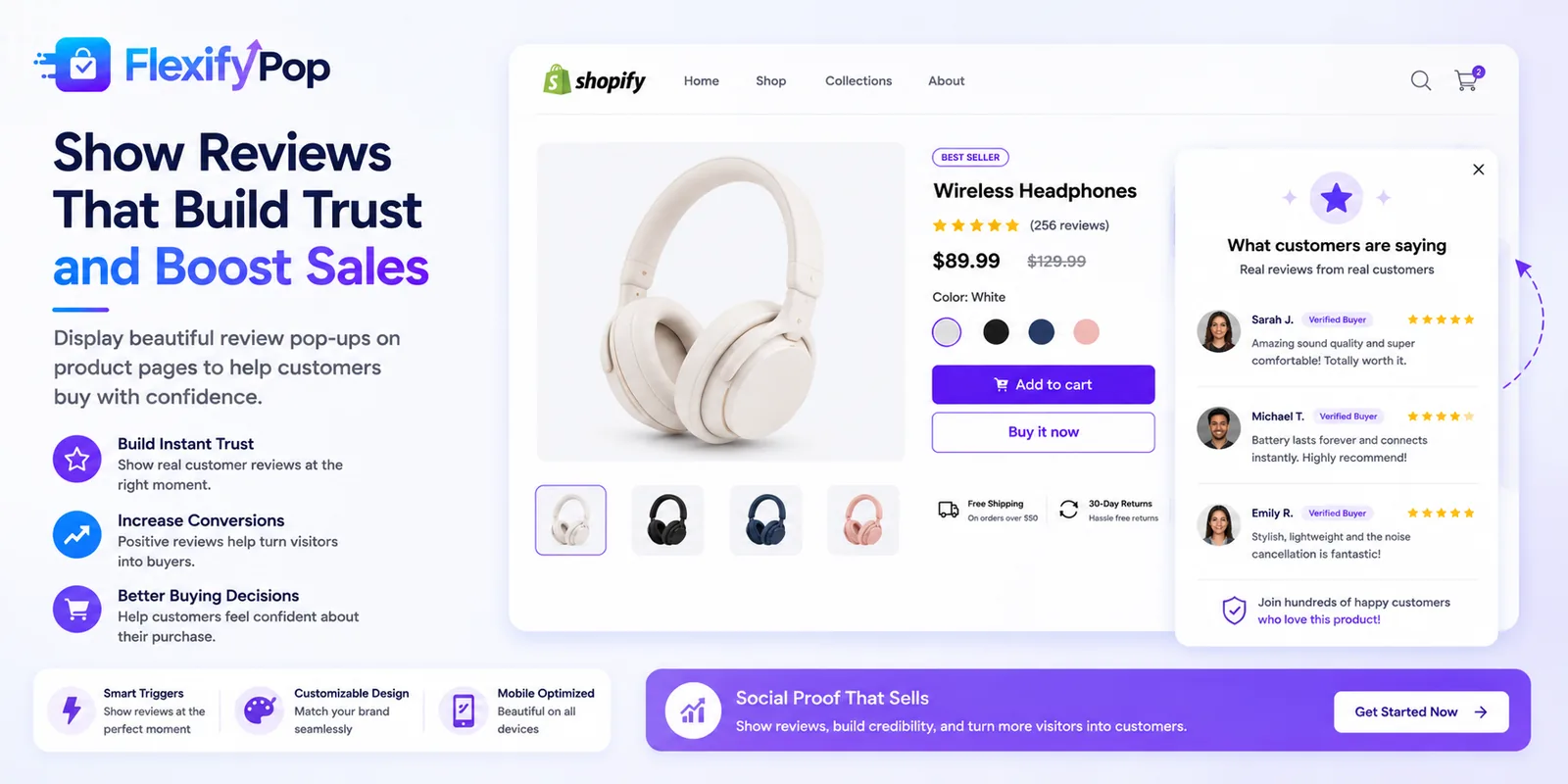

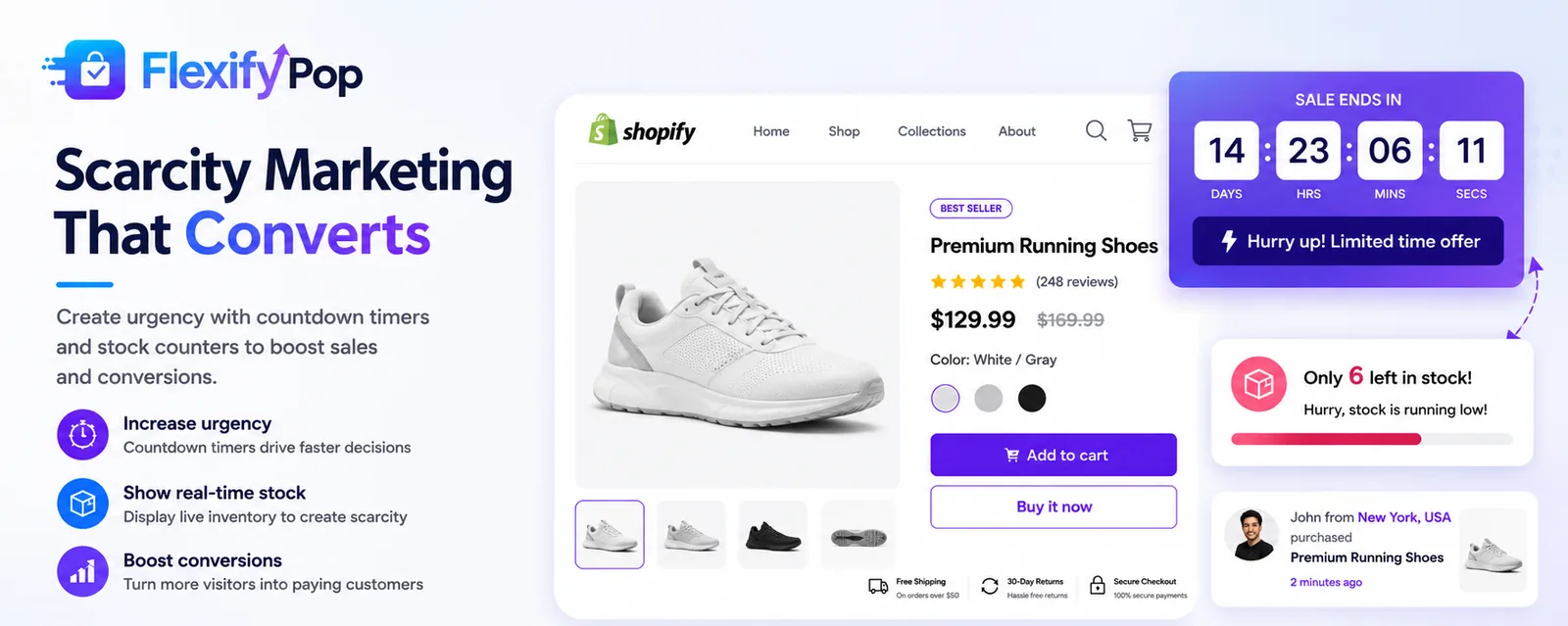
Illustrative product artwork. Live App Store screenshots will replace these on approval.
Every widget here exists to move one number, and every one below is live in the app today. Grouped by the job it does rather than as a feature list, so you can see which parts you would actually switch on.
Showing a shopper that other people are buying, and that the reviews are real.
Giving a reason to decide now rather than come back later — when it is true.
Removing friction at the point of purchase, and lifting the basket.
Knowing which of the above actually worked, instead of guessing.
Each widget has its own settings panel with a live preview, so you can see the result before it reaches a customer. These are screens from the app itself.

Set an end date and a title, pick where it shows — announcement bar sitewide, or below the product title — and the timer counts down live. The app suggests the announcement bar for sitewide sales, because it is seen before a shopper reaches a product.

A scarcity bar reading real Shopify inventory and real sold counts. You set the threshold it appears below, and it hides itself automatically when the product is out of stock.

Urgency on the product page using genuine inventory. Choose the threshold, the style, and where it sits. Like the stock bar, it disappears rather than lying when stock runs out.

Shows how many people are genuinely viewing a product right now. The app is explicit that numbers are never simulated — and it recommends leaving the widget off until you have regular traffic, rather than showing a misleading figure.

Items sold in a window you choose, taken from your actual orders. No custom or invented numbers: if the store is new, the widget stays hidden until real sales accumulate.

Surfaces recent high-star reviews pulled from Judge.me, Stamped or Shopify Reviews. Set a minimum star rating and whether to show the review text. With no reviews app connected, it simply does not appear.

A sticky bar showing how far a shopper is from your free-shipping threshold, with a progress meter and separate before and after messages. The most direct lever on average order value in the set.

Payment icons and trust text at the point of purchase. The panel warns you to select only the methods your store genuinely accepts — showing an icon you do not support misleads customers and breaches Shopify policy.

Triggers when a visitor moves toward the browser tab bar. Set the offer, connect a real Shopify discount code, and choose whether to collect an email alongside it.
These are named in the app as coming soon, so they are listed here the same way rather than as features you would be paying for today.
Black Friday, Christmas, Cyber Monday, Valentine’s, Halloween and more, with a new theme added each month.
English, Spanish, German, Chinese, French, Arabic and Portuguese.
Stock widgets read live inventory and hide themselves automatically when a product sells out.
Plans are managed and cancelled from your Shopify admin, not a separate account.
Four subscription tiers, billed monthly or yearly. Limits rise with each tier; the full comparison and current terms live on the product site.

Prices in US dollars, as published on the FlexifyPop site. See full FlexifyPop pricing and plan limits.
FlexifyPop is a Shopify app from Flexify Ltd combining sixteen conversion widgets in one install — sales popups, countdown timers, stock and visitor counters, trust badges, exit intent, email capture, analytics and A/B testing. It has been submitted to the Shopify App Store and is awaiting review.
Social proof influences buying decisions, but results vary by store, traffic and order volume. A store with steady orders has genuine activity to show; a store with very few does not. FlexifyPop includes analytics and A/B testing so you can measure the effect on your own store rather than trust a vendor's number.
No. The widget script loads asynchronously and does not block storefront rendering. Flexify also does Shopify speed optimisation work, and most social-proof apps we are asked to remove are removed for page-speed reasons. Running one app instead of four also means fewer scripts overall.
Real. Popups are driven by your store's genuine order webhook, so every notification reflects an actual purchase. FlexifyPop does not generate fake orders or placeholder activity.
There is a free plan covering fifteen orders a month. Paid plans are $6.99, $14.99 and $24.99 a month, with 20% off annual billing and a 14-day free trial on every paid tier. Billing runs through Shopify and prices in the app match the App Store listing.
Yes, from the Starter plan upward. The Free plan shows a small FlexifyPop label, Starter and above remove it, and the Business plan is fully white-label with no branding anywhere.
The team that wrote FlexifyPop is the team that answers when you message. Start on the product site, or ask us which modules fit the way you already work.
We use essential cookies to make the site work. We would also like to set Google Analytics cookies to understand how the site is used, but only if you agree. You can change your mind at any time. Read our cookie policy.